How to use your mask
Read the user manual that came in the box before your first session. It has the details for your mask's buttons and timer.

Put it on
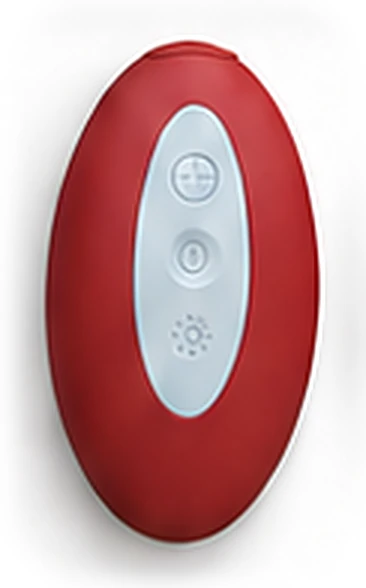
Switch it on
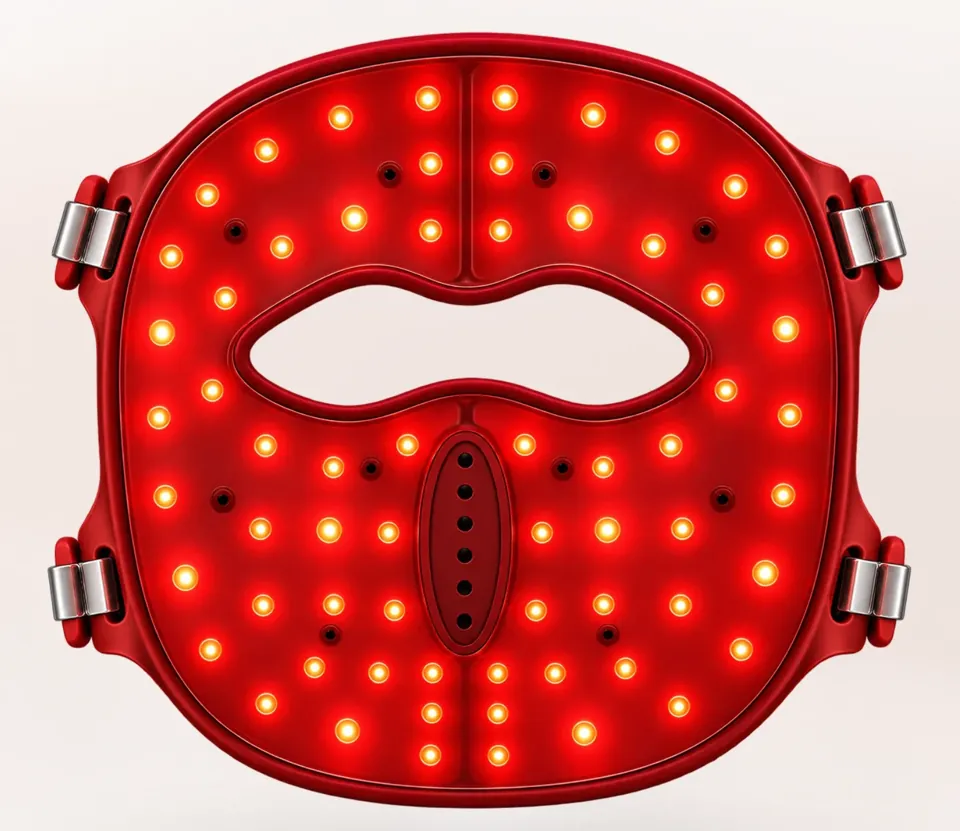
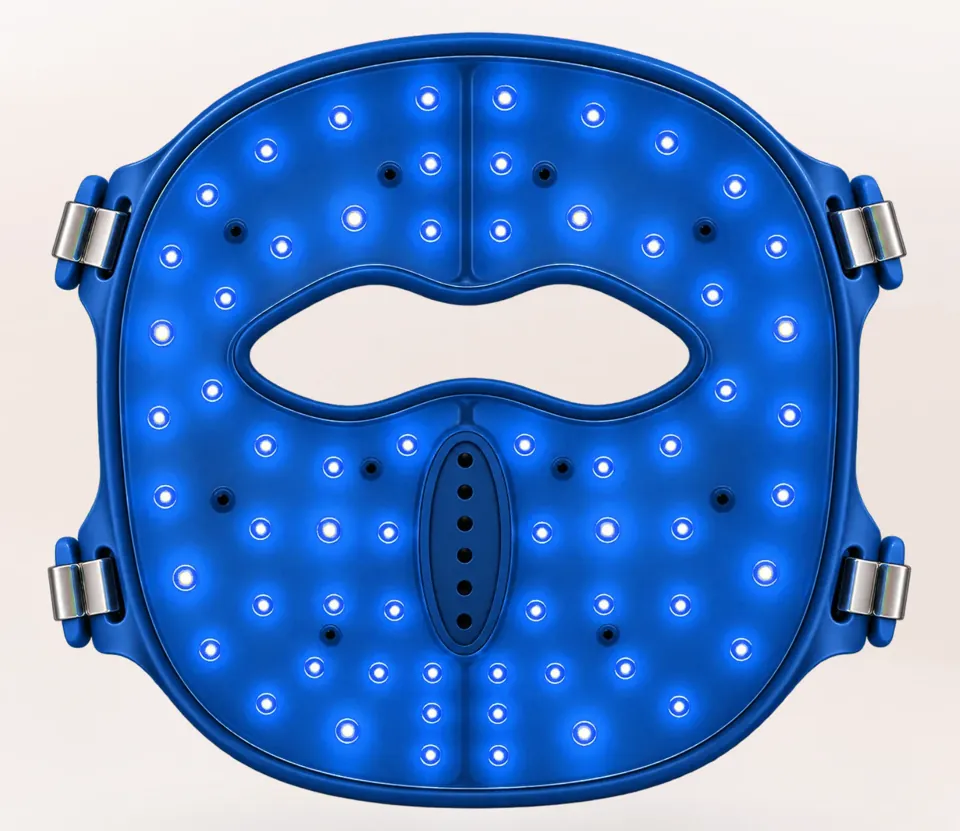
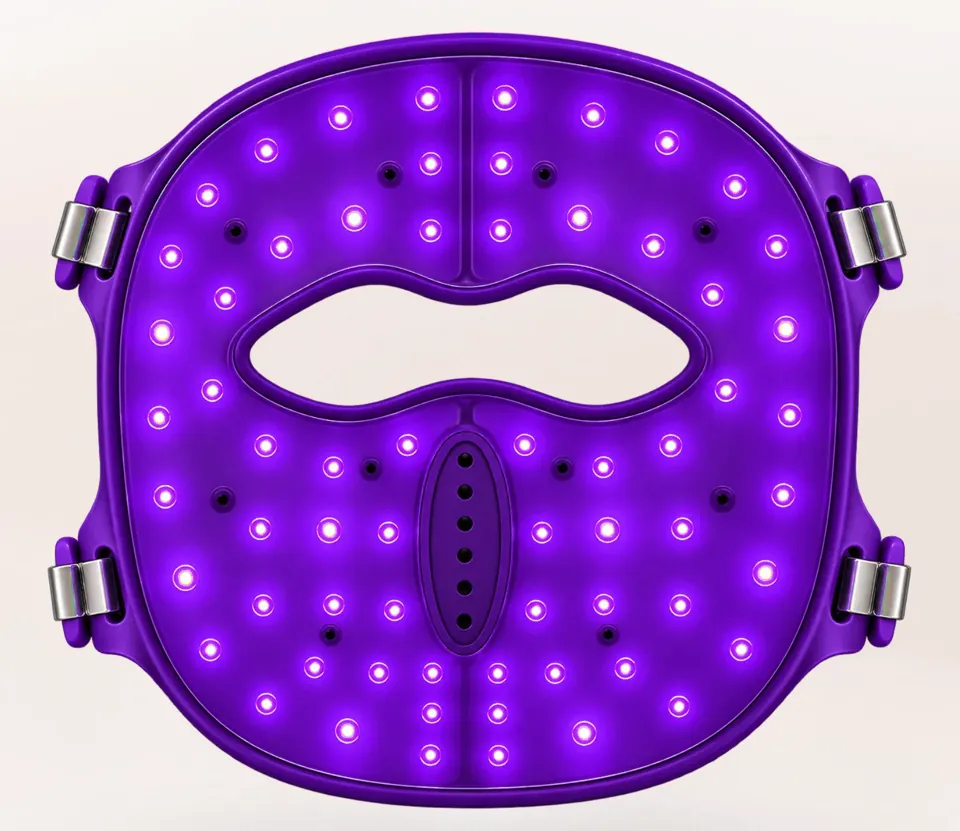
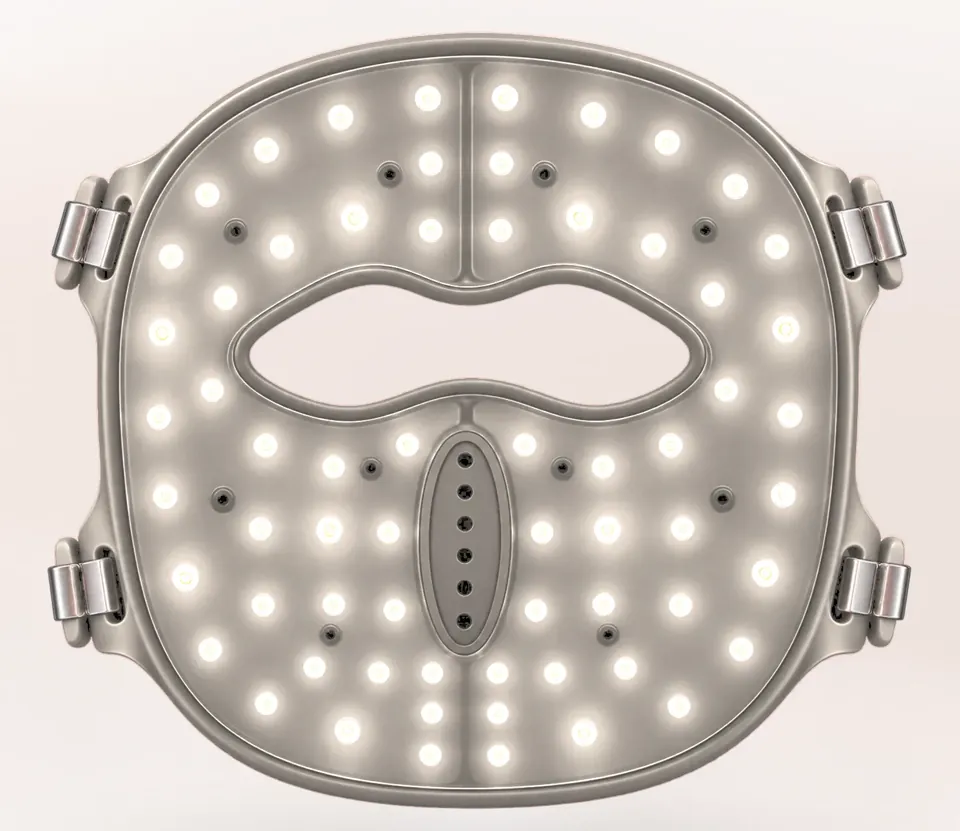
Choose a mode

Relax
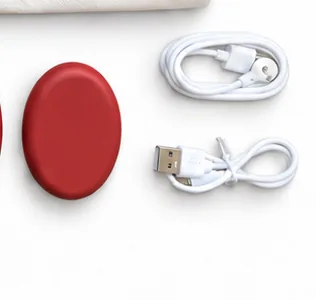
Battery low? Charge it first with the magnetic charging puck and a USB-C cable from the box. You don't need to charge before every session.
Put it on
Place the mask on your face and adjust the straps so it sits comfortably.
Switch it on
Long-press the power button to switch it on.
Choose a mode
Pick one of the four light modes and a timer setting with the remote control.
Relax
Relax for 10–15 minutes.
In the box
- LED mask
- Remote control
- Magnetic charging puck
- 2 USB-C cables
- Travel pouch
- User manual
- Gift box
Before you start, please read our safety information. Questions? Contact us.